css 辅助函数
CSS 辅助函数 - hono/css - 是 Hono 内置的 CSS in JS(X)。
你可以在 JSX 中使用名为 css 的 JavaScript 模板字面量编写 CSS。css 的返回值将作为类名,设置为 class 属性的值。随后 <Style /> 组件将包含 CSS 内容。
导入
import { Hono } from 'hono'
import { css, cx, keyframes, Style, createCssContext } from 'hono/css'
css 实验性
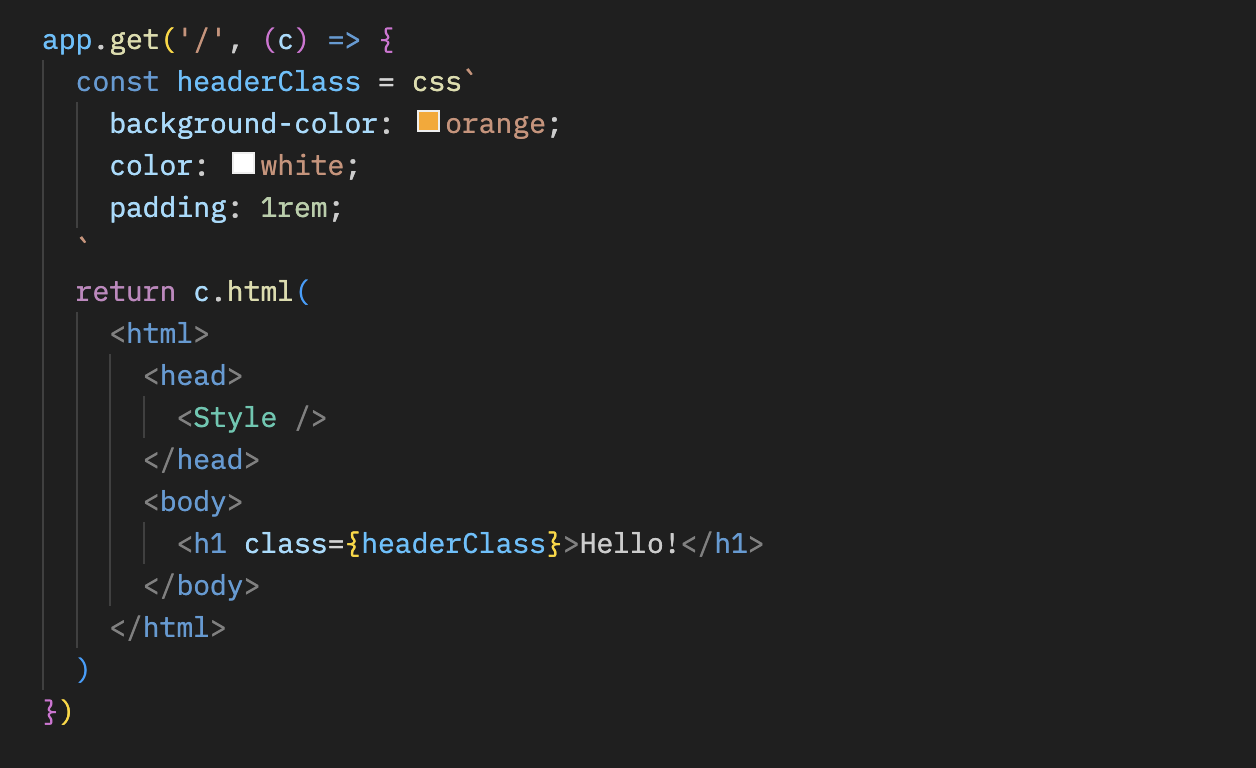
你可以在 css 模板字面量中编写 CSS。在这种情况下,它使用 headerClass 作为 class 属性的值。不要忘记添加 <Style />,因为它包含 CSS 内容。
app.get('/', (c) => {
  const headerClass = css`
    background-color: orange;
    color: white;
    padding: 1rem;
  `
  return c.html(
    <html>
      <head>
        <Style />
      </head>
      <body>
        <h1 class={headerClass}>你好!</h1>
      </body>
    </html>
  )
})
你可以使用 嵌套选择器 & 来样式化伪类,如 :hover:
const buttonClass = css`
  background-color: #fff;
  &:hover {
    background-color: red;
  }
`
扩展
你可以通过嵌入类名来扩展 CSS 定义。
const baseClass = css`
  color: white;
  background-color: blue;
`

const header1Class = css`
  ${baseClass}
  font-size: 3rem;
`

const header2Class = css`
  ${baseClass}
  font-size: 2rem;
`此外,${baseClass} {} 的语法支持类嵌套。
const headerClass = css`
  color: white;
  background-color: blue;
`
const containerClass = css`
  ${headerClass} {
    h1 {
      font-size: 3rem;
    }
  }
`
return c.render(
  <div class={containerClass}>
    <header class={headerClass}>
      <h1>你好!</h1>
    </header>
  </div>
)
全局样式
一个名为 :-hono-global 的伪选择器允许你定义全局样式。
const globalClass = css`
  :-hono-global {
    html {
      font-family: Arial, Helvetica, sans-serif;
    }
  }
`

return c.render(
  <div class={globalClass}>
    <h1>你好!</h1>
    <p>今天是美好的一天。</p>
  </div>
)
或者你可以在 <Style /> 组件中使用 css 字面量编写 CSS。
export const renderer = jsxRenderer(({ children, title }) => {
  return (
    <html>
      <head>
        <Style>{css`
          html {
            font-family: Arial, Helvetica, sans-serif;
          }
        `}</Style>
        <title>{title}</title>
      </head>
      <body>
        <div>{children}</div>
      </body>
    </html>
  )
})
keyframes 实验性
你可以使用 keyframes 来编写 @keyframes 的内容。在这种情况下,fadeInAnimation 将是动画的名称。
const fadeInAnimation = keyframes`
  from {
    opacity: 0;
  }
  to {
    opacity: 1;
  }
`
const headerClass = css`
  animation-name: ${fadeInAnimation};
  animation-duration: 2s;
`
const Header = () => <a class={headerClass}>你好!</a>
cx 实验性
cx 组合两个类名。
const buttonClass = css`
  border-radius: 10px;
`
const primaryClass = css`
  background: orange;
`
const Button = () => (
  <a class={cx(buttonClass, primaryClass)}>点击!</a>
)
它也可以组合简单的字符串。
const Header = () => <a class={cx('h1', primaryClass)}>你好</a>与 Secure Headers 中间件结合使用
如果你想结合 Secure Headers 中间件使用 CSS 辅助函数,你可以将 nonce 属性 添加到 <Style nonce={c.get('secureHeadersNonce')} />,以避免 CSS 辅助函数引起的 Content-Security-Policy 问题。
import { secureHeaders, NONCE } from 'hono/secure-headers'

app.get(
  '*',
  secureHeaders({
    contentSecurityPolicy: {
      // 将预定义的 nonce 值设置为 `styleSrc`:
      styleSrc: [NONCE],
    },
  })
)

app.get('/', (c) => {
  const headerClass = css`
    background-color: orange;
    color: white;
    padding: 1rem;
  `
  return c.html(
    <html>
      <head>
        {/* 在 CSS 辅助函数的 `style` 和 `script` 元素上设置 `nonce` 属性 */}
        <Style nonce={c.get('secureHeadersNonce')} />
      </head>
      <body>
        <h1 class={headerClass}>你好!</h1>
      </body>
    </html>
  )
})
createCssContext 实验性
createCssContext 使用自定义上下文创建 CSS 辅助函数(css、cx、keyframes、viewTransition、Style)。你可以用它来自定义样式元素的 ID 和生成的类名。
import { createCssContext } from 'hono/css'

const { css, cx, keyframes, Style } = createCssContext({
  id: 'my-app',
})
classNameSlug
默认情况下,CSS 类名会以 css-1234567890 的格式生成。你可以通过传入 classNameSlug 函数来自定义这一点。
该函数接收三个参数:
hash- 默认生成的类名(例如css-1234567890)label- 从 CSS 模板开头的/* comment */中提取的内容(如果没有则为空字符串)css- 压缩后的 CSS 字符串
const { css, Style } = createCssContext({
  id: 'my-styles',
  classNameSlug: (hash, label) => (label ? `h-${label}` : hash),
})

const heroClass = css`
  /* hero-section */
  background: blue;
`
// 生成的类名:"h-hero-section"
onInvalidSlug
如果 classNameSlug 函数返回了无效的 CSS 类名,默认会记录一个警告。你可以使用 onInvalidSlug 自定义此行为。
const { css, Style } = createCssContext({
  id: 'my-styles',
  classNameSlug: (hash, label) => label || hash,
  onInvalidSlug: (slug) => {
    throw new Error(`无效的 CSS 类名:${slug}`)
  },
})
安全性
CSS helpers 是用于编写 CSS 的 API:与其他 CSS-in-JS 库一样,插值后的值会作为原始 CSS插入。它们会阻止逃逸到 HTML 中(引号、反斜杠和 </),但 {、} 和 ; 会被直接保留,因为它们是合法的 CSS。
WARNING
请将 CSS helpers 视为其他原始输出点(html、raw、rawCssString):不要直接将不受信任的输入传入其中。 这样会导致 CSS 注入。应先使用允许列表进行校验。
const ALLOWED_COLORS = ['red', 'green', 'blue']
const color = ALLOWED_COLORS.includes(input) ? input : 'black'
const headerClass = css`
  color: ${color};
`
提示
如果你使用 VS Code,可以使用 vscode-styled-components 为 CSS 标签模板字符串提供语法高亮和智能感知。